
Loading...
Loading...

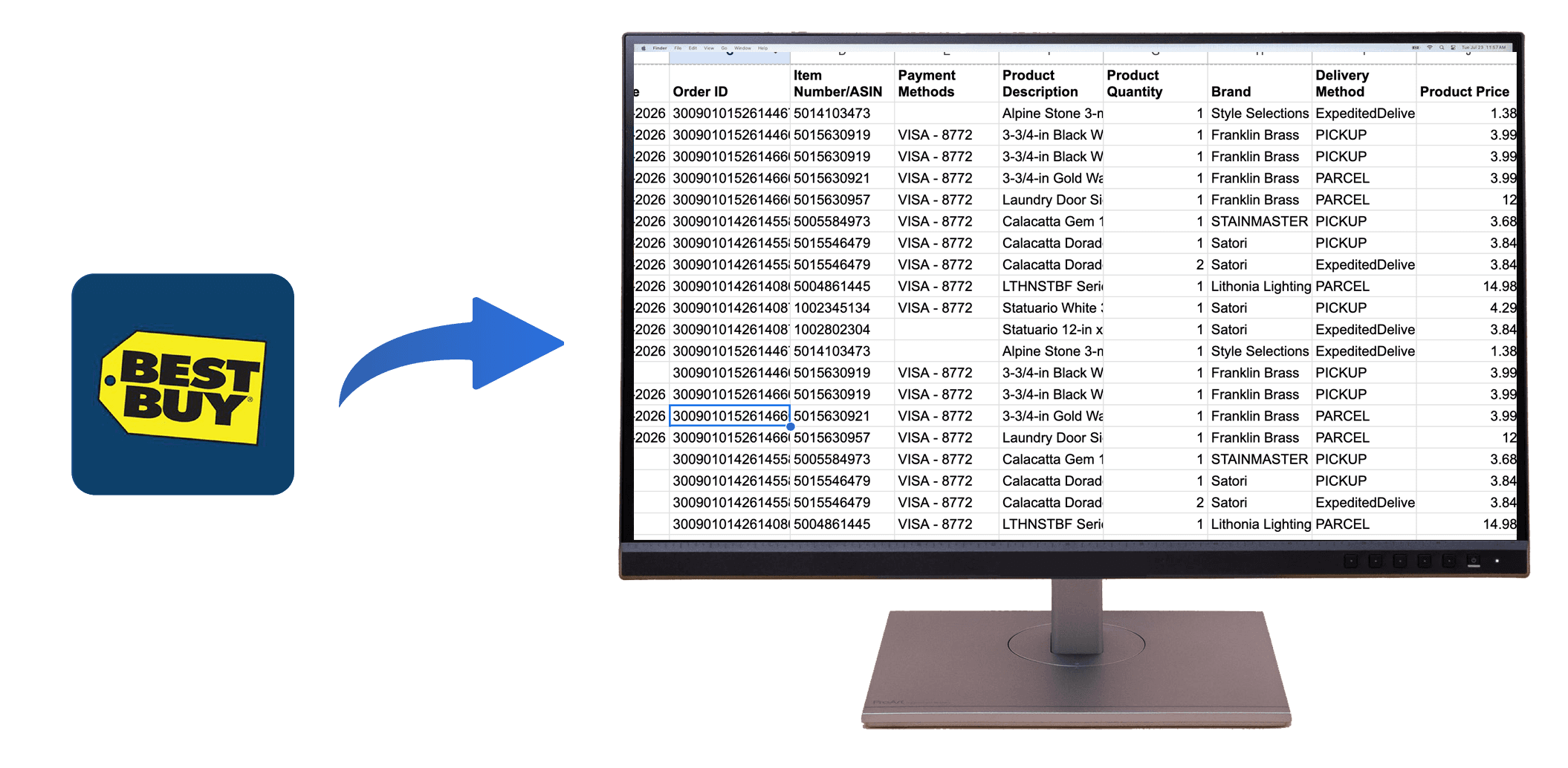
Quick Summary: Best Buy doesn't provide a bulk export button, but OrderPro Analytics lets you download your Best Buy order history to Excel or CSV in minutes.
If you need to export your Best Buy purchase history, download a Best Buy order history report, or get your Best Buy receipts into Excel, this guide is for you. Whether you are preparing for tax season, submitting reimbursements, tracking warranties, or budgeting across multiple locations, a single, organized export makes everything easier to manage. Best Buy accounts do not currently offer a one-click bulk export, which means manual copying can take hours. Below is the fastest, most reliable method to export your Best Buy orders and turn them into a spreadsheet-ready report.
You can view individual orders and receipts, but there is no bulk export option.
Receipts are useful, but they are scattered and not organized for analytics or reporting.
Statements show totals, but do not include item-level details, SKUs, or warranty-related data.
OrderPro Analytics now supports Best Buy, allowing you to export your complete order history to Excel or CSV in minutes.
Download all Best Buy orders, receipts, and totals in a single spreadsheet-ready file.
Export fields like store location, city, and state to support geographic reporting and AI-powered analysis.
Track business purchases, categorize expenses, and prepare documentation for reimbursements.
Keep records of receipts, purchase dates, and items for warranty claims or returns.
Analyze spending by category, location, or time period using a spreadsheet or BI tool.
Export data from different household accounts by signing into each Best Buy account before running the export.
Try OrderPro Analytics for fast, automated Best Buy exports. Download your complete purchase history to CSV or Google Sheets in minutes.