
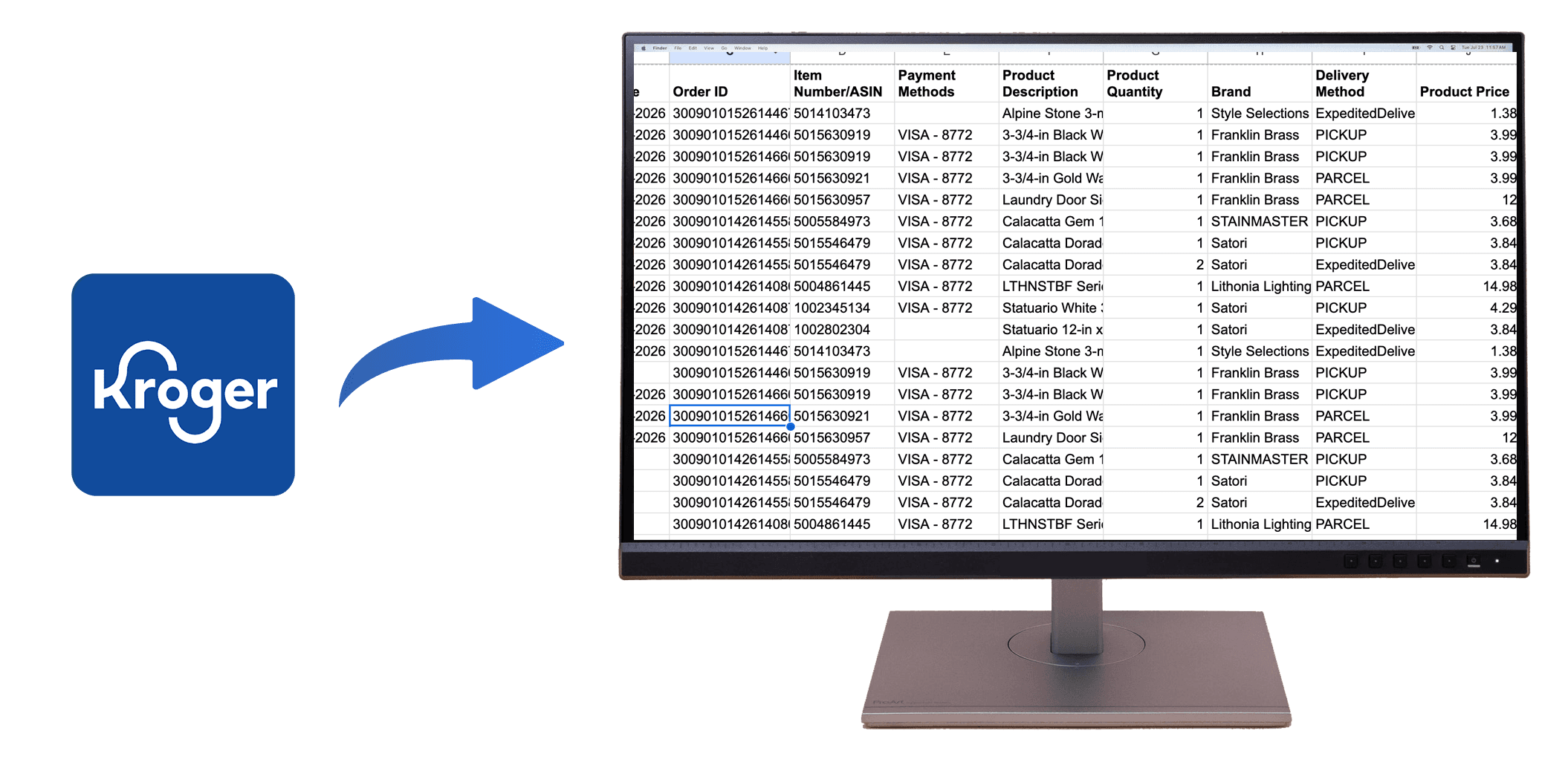
How to Download Kroger Order History to Excel or CSV
Quick Summary: Kroger does not offer a bulk export option, but OrderPro Analytics lets you download your Kroger order history to Excel or CSV in minutes.
If you need to export Kroger order history, download Kroger receipts, or create a Kroger purchase history report for budgeting, taxes, or reimbursements, this guide is for you. Kroger accounts show individual orders, but there is no built-in way to export all orders at once. The steps below cover both the manual options and the fastest automated method available today.
Manual Ways to Access Kroger Orders (Limited)
Kroger.com Order History
You can view each order, but there is no bulk export tool.
- Order-by-order viewing only
- No CSV or Excel download
- Manual copy/paste required
Email Receipts
Receipts contain details but are not consolidated for reporting.
- Scattered across emails
- Hard to analyze for budgeting
The Fastest Method: OrderPro Analytics
OrderPro Analytics now supports Kroger and lets you export your complete order history to Excel or CSV in minutes.
- Install the OrderPro Analytics Chrome extension.
- Sign in to your Kroger account.
- Open the extension and click Export.
- Download your report as CSV or Google Sheets.
What's Included in the Kroger Export
- Order dates and order numbers
- Item names, quantities, and prices
- Discounts, taxes, and totals
- Receipt-level details for audits
Ready to Export Your Kroger Orders?
Try OrderPro Analytics for fast, automated Kroger exports and get your purchase history in spreadsheet format in minutes.