
How to Download a Best Buy Order History Report
Quick Summary: Best Buy doesn't provide a full export button in your account, but you can download a complete Best Buy order history report using OrderPro Analytics.
A Best Buy order history report is useful for tracking purchases, reviewing receipts, monitoring warranties, or preparing for taxes. Whether you are a personal shopper, a business owner, or managing a household budget, a single report saves hours of manual work. This guide covers the best ways to download your Best Buy order history and explains the fastest export option available today.
Where to Find Best Buy Orders
You can view orders by signing into BestBuy.com and navigating to your order history. Each order includes a receipt page, but Best Buy does not provide a bulk download option.
Why Manual Methods Fall Short
- Receipts are spread across multiple pages
- No export to Excel or CSV
- Hard to include store location or city data
- Difficult to reconcile totals with business budgets
Download Best Buy Orders with OrderPro Analytics
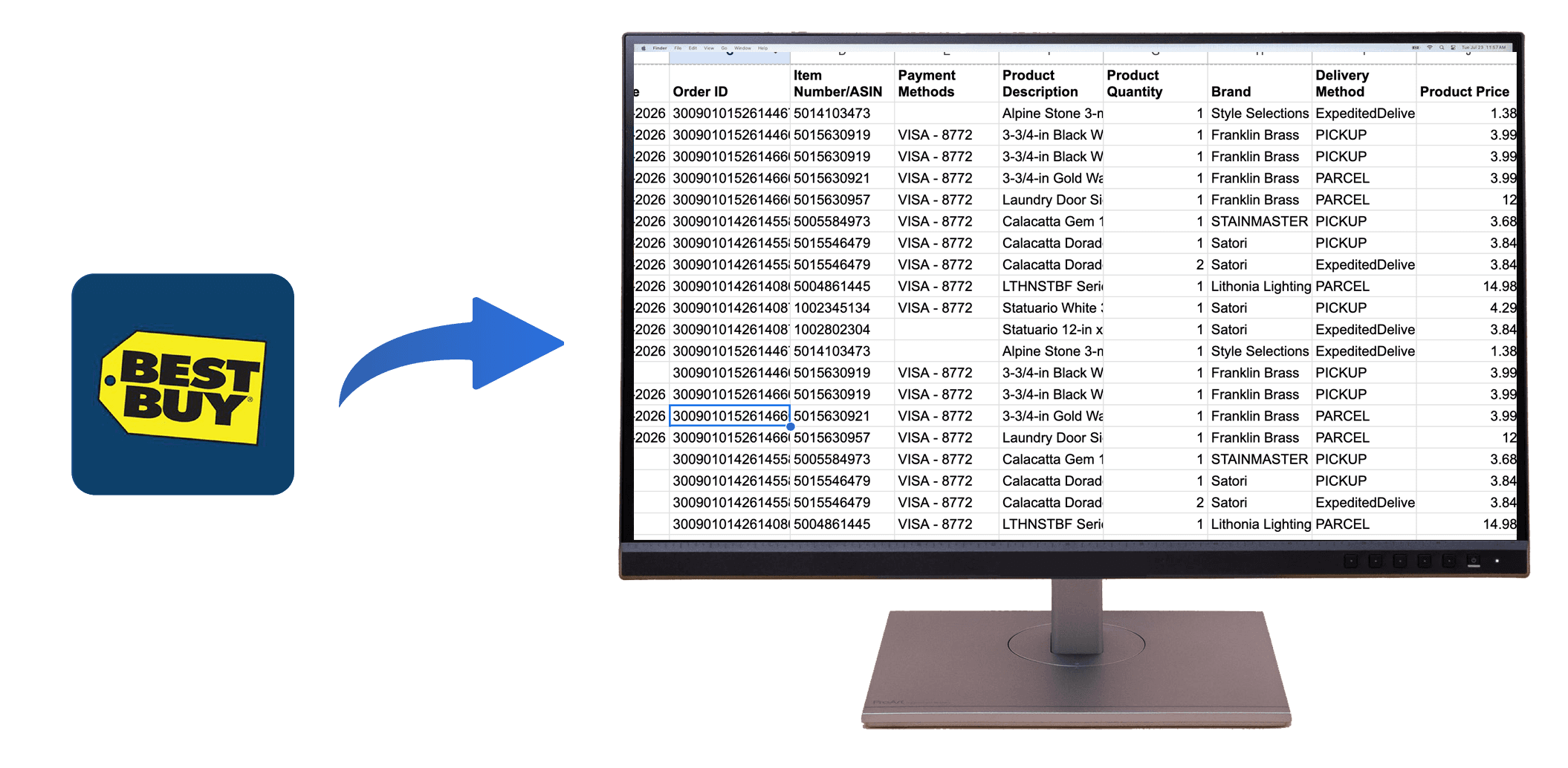
OrderPro Analytics provides a direct export from Best Buy to Excel or CSV, creating a clean, AI-ready report for analysis.
- Install the OrderPro Analytics Chrome extension.
- Sign in to your Best Buy account.
- Open the extension and click Export.
- Download your report as CSV or Google Sheets.
What's Included in the Report
Receipt-Level Details
Order numbers, dates, item names, quantities, prices, and totals are included for every purchase.
Warranty and Return Tracking
Keep purchase dates and totals organized for warranty claims and returns.
Location and Geo Reporting
Track orders by city or state when location data is available, making regional analysis easier.
Reimbursements and Taxes
Export reports for expense tracking, budgeting, and tax documentation.
Ready to Export Your Best Buy Orders?
Stop copying receipts manually. Export your Best Buy order history to CSV or Google Sheets in minutes with OrderPro Analytics.