
Loading...
Loading...

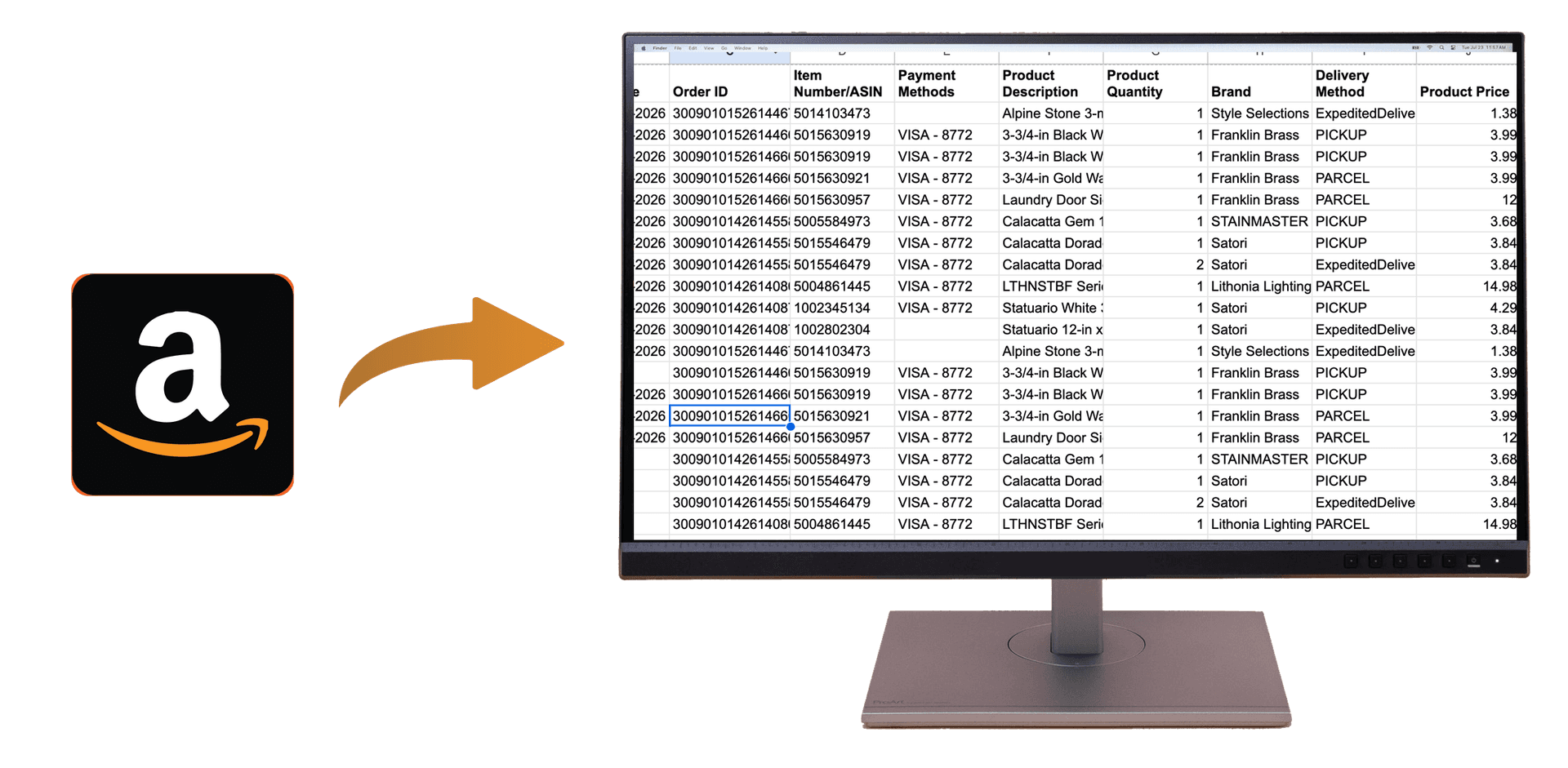
Quick Summary: Export your complete Amazon order history to Excel or CSV in seconds with OrderPro Analytics. Perfect for small business owners and professionals who need organized expense records for tax preparation and budgeting.
As a small business owner or professional, tracking Amazon purchases for tax purposes can be time-consuming. Whether you're buying office supplies, equipment, or business materials, having a complete record of your Amazon orders is essential for accurate expense tracking and tax preparation. OrderPro Analytics makes it easy to export all your Amazon orders to Excel or CSV format instantly, eliminating the need for manual record-keeping.
Small business owners and professionals need accurate expense records for:
Install OrderPro Analytics Extension
Download and install the OrderPro Analytics Chrome extension from the Chrome Web Store. The extension works seamlessly with Amazon and other e-commerce platforms.
Sign In to Your Amazon Account
Open Amazon.com in your browser and sign in to the account containing the orders you want to export. Make sure you're logged in to the correct account.
Click Export
Open the OrderPro Analytics extension, select Amazon from the platform list, and click Export. Your complete order history will be downloaded as a CSV file or exported to Google Sheets instantly.
OrderPro Analytics exports comprehensive Amazon order data perfect for tax tracking and expense management:
Export years of Amazon orders in seconds instead of manually copying each order. Save hours of administrative work.
Get complete, accurate order data with all details needed for tax preparation and expense tracking. No missing information.
Organized spreadsheet format makes it easy to categorize expenses, track spending by category, and prepare for tax season.
Your data stays secure and private. All processing happens locally through the extension—no data is stored on external servers.
For a comprehensive guide on downloading your Amazon order history, including alternative methods and detailed instructions, check out our complete guide: How to Download Your Amazon Order History Report.
Start tracking your Amazon business expenses today. Export your complete order history to Excel in seconds with OrderPro Analytics.