
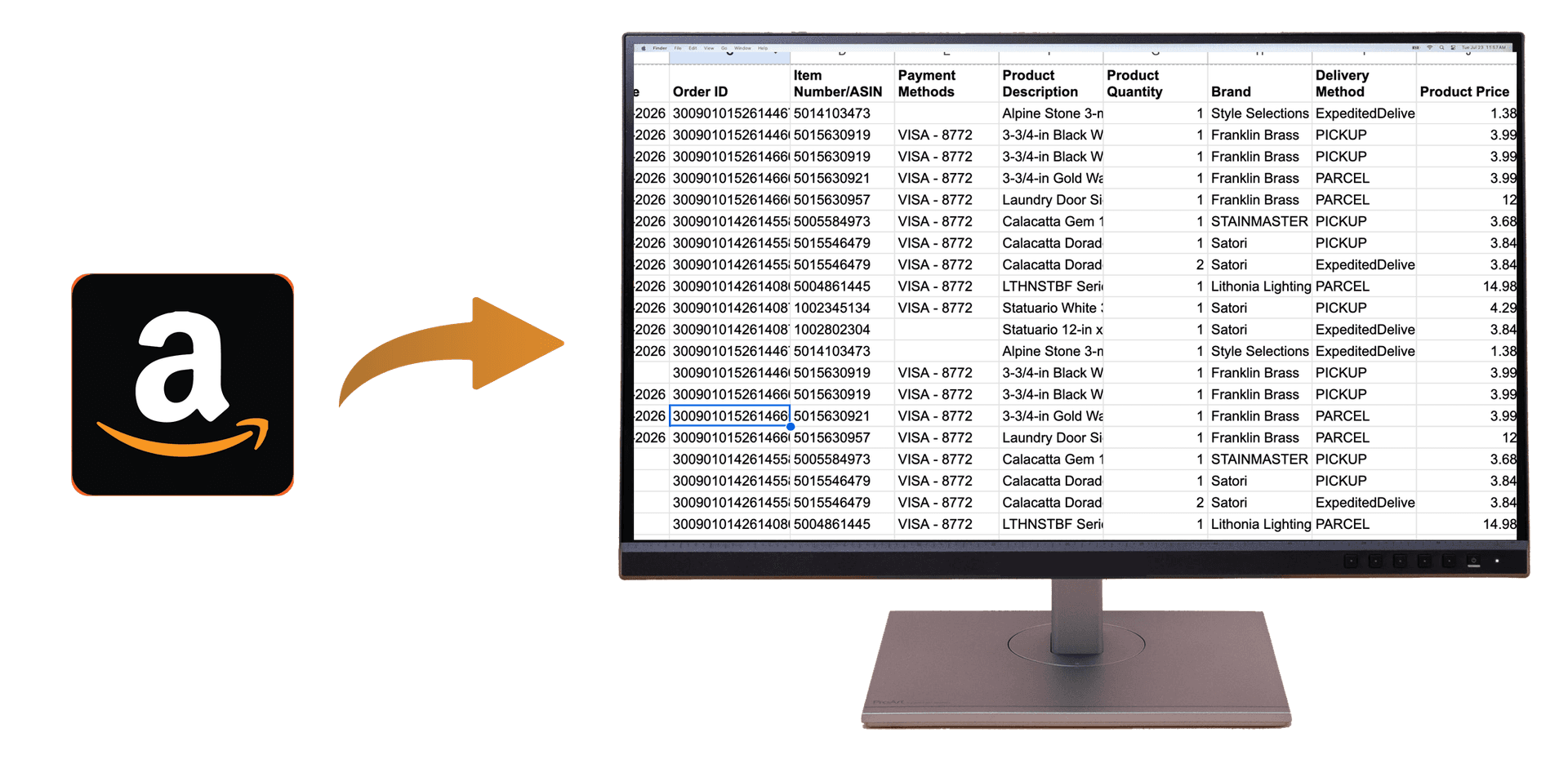
Download Amazon Order History Report (Excel, CSV, Taxes Guide 2026)
Quick Summary: To download your Amazon order history as a report in Excel or CSV for 2026, use the OrderPro Analytics Chrome extension. Sign in to Amazon, open the extension, and export. You get a full report with order dates, items, prices, and totals—ready for taxes, expense tracking, and bookkeeping.
An Amazon order history report—a single file with all your orders, dates, and amounts—is useful for taxes, reimbursements, and budgeting. Amazon doesn't provide a built-in report download, so this guide shows you how to download your Amazon order history report to Excel or CSV in 2026 using a one-click export tool.
Why Download an Amazon Order History Report?
A single report (Excel or CSV) lets you filter by date range (e.g. tax year), sum spending by category, and hand a clean file to your accountant. For the IRS, you want dated records with amounts; an export gives you that in one place.
How to Download Your Amazon Order History Report (Excel / CSV)
- Install the OrderPro Analytics extension from the Chrome Web Store.
- Sign in to Amazon.com in your browser.
- Open the extension, select Amazon, and click Export.
- Open the downloaded CSV in Excel (or Google Sheets). Use it for taxes or expense tracking.
Excel vs CSV for Your Order History Report
The export is typically a CSV file. CSV is a universal spreadsheet format: Excel and Google Sheets both open it. In Excel you can sort, filter, add columns (e.g. business purpose for taxes), and save as .xlsx if you prefer. For taxes and bookkeeping, CSV or Excel both work.