
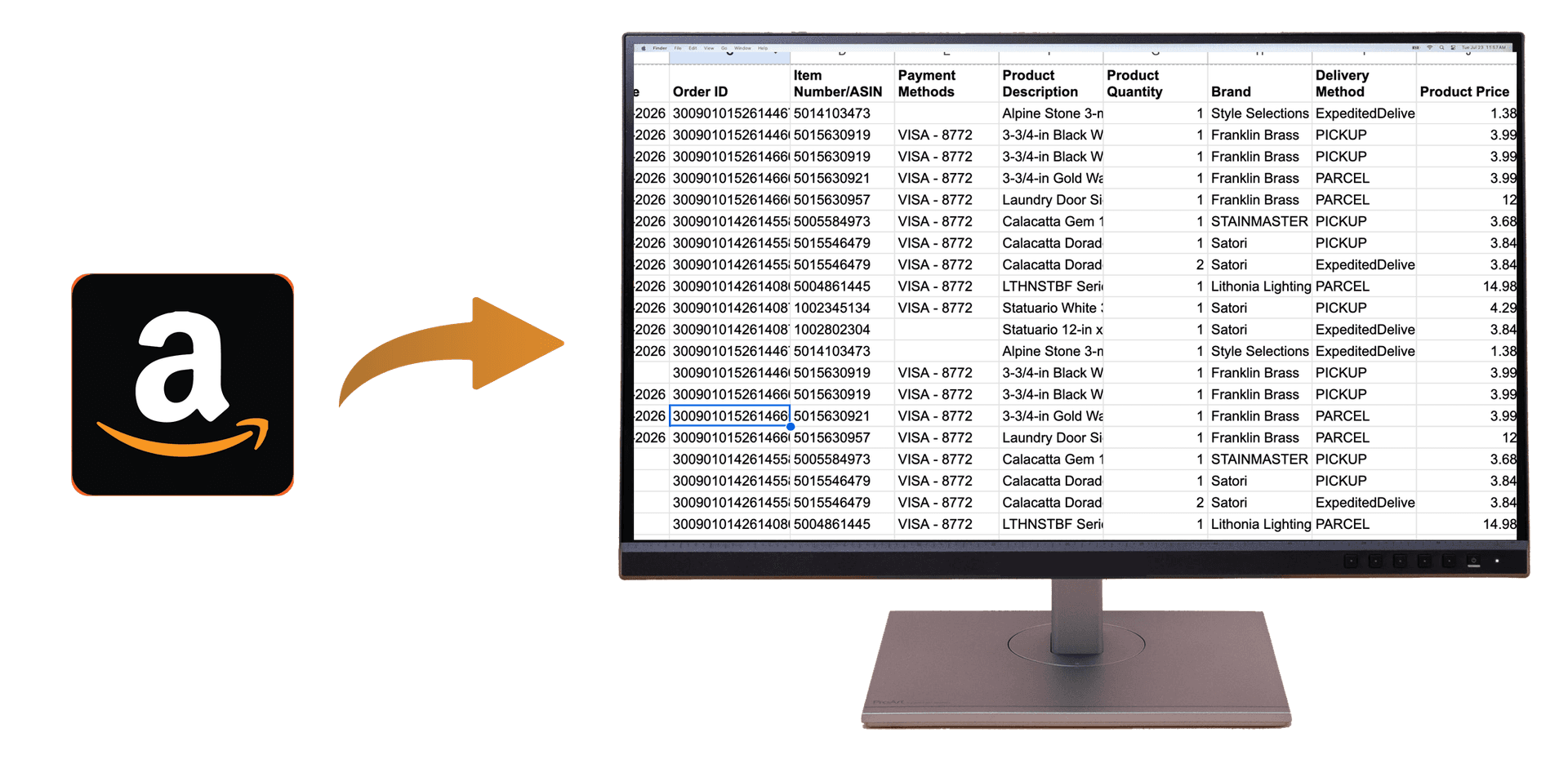
Best Tools to Export Amazon Order History (2026)
Quick Summary: The best tools to export Amazon order history are Chrome extensions that export your full order history to CSV or Excel in one click. OrderPro Analytics is one option: install the extension, sign in to Amazon, and export. No manual copy-paste; you get dates, items, prices, and totals for taxes and expenses.
If you need your Amazon order history in a spreadsheet for taxes, expenses, or budgeting, you want a tool that exports quickly and reliably. Amazon doesn't provide a built-in export, so this guide covers the best types of tools and what to look for when choosing one.
What Makes a Good Amazon Order History Export Tool?
- One-click or few-click export — no manual copy-paste
- CSV or Excel output — so you can open in Excel or Google Sheets
- Full order detail — date, order ID, items, quantities, prices, totals
- Privacy — data processed locally when possible; no unnecessary storage of credentials
- Multi-retailer support (optional) — if you also need Walmart, Instacart, etc.
Option: Chrome Extension (OrderPro Analytics)
OrderPro Analytics is a Chrome extension that exports your Amazon order history to CSV in one click. You sign in to Amazon in your browser, open the extension, select Amazon, and click Export. Your order history downloads with dates, items, prices, and totals. The extension also supports Walmart, Instacart, Target, and 30+ other retailers, so you can use one tool for multiple stores.
Other Options: Manual Export and Request from Amazon
Manual export means copying each order or each page into a spreadsheet—time-consuming and prone to errors. Some users request data from Amazon support; response times and format vary. For regular tax or expense use, a dedicated export tool is usually the best choice.